Nothing You Don't.
Plugin Preset Lists
Build curated plugin configurations for every session type. Save your preset lists as part of a Mixer Profile so you can recall your entire plugin chain with one click.
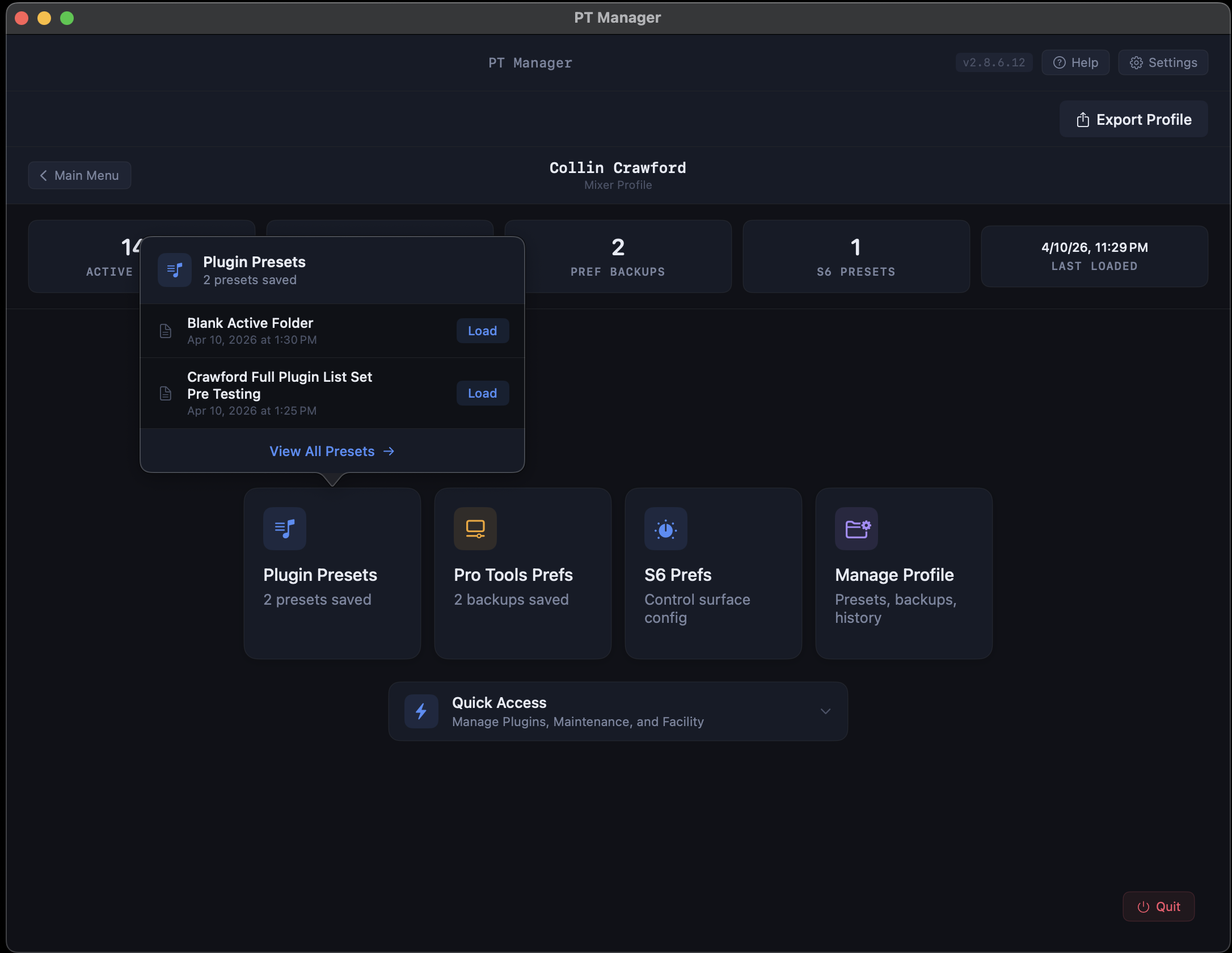
Manage Your Plugin Library
Instantly see every AAX plugin on your system. Drag and drop between Active and Unused columns. Keep your Pro Tools plugin menu clean without manually moving files around in Finder.
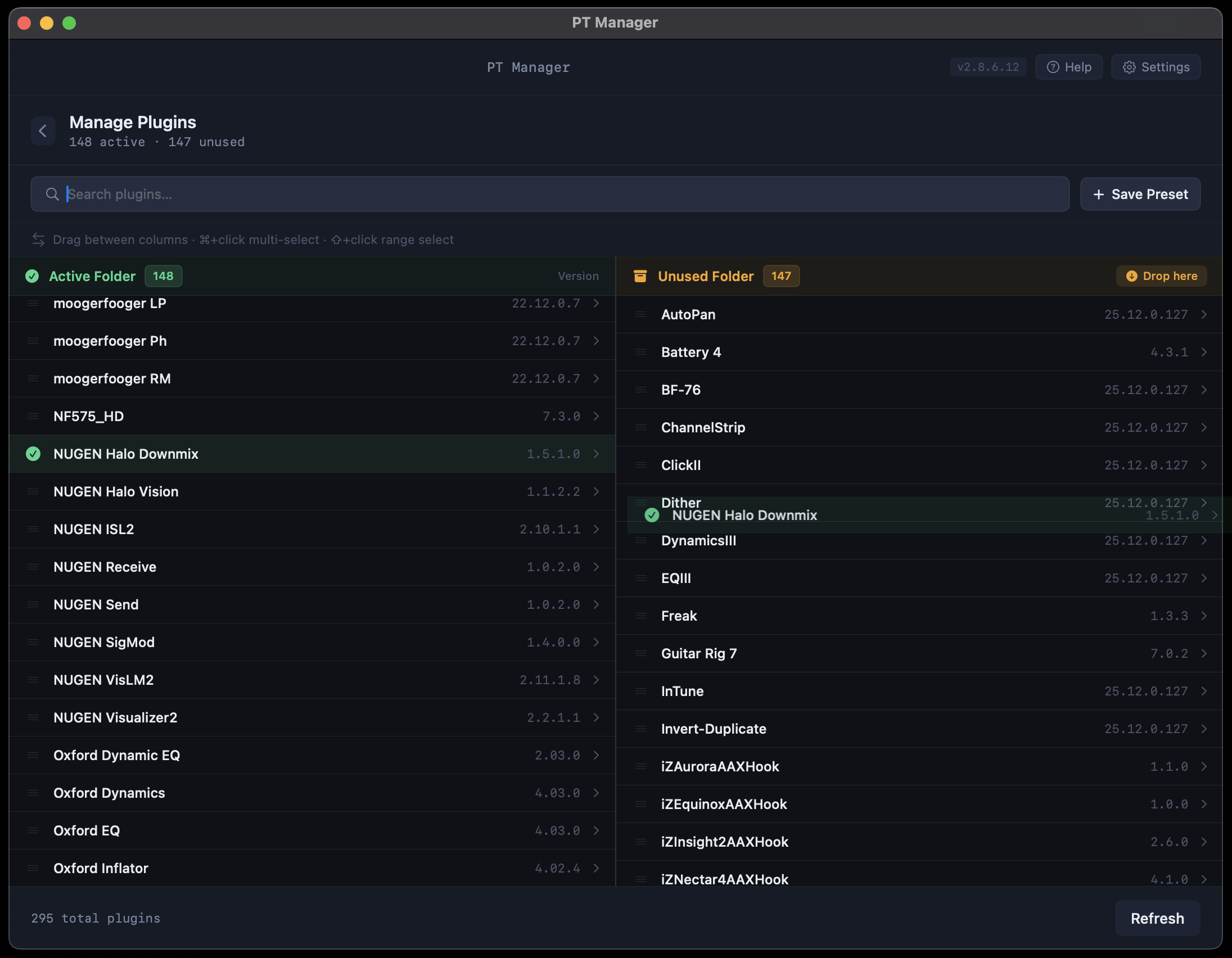
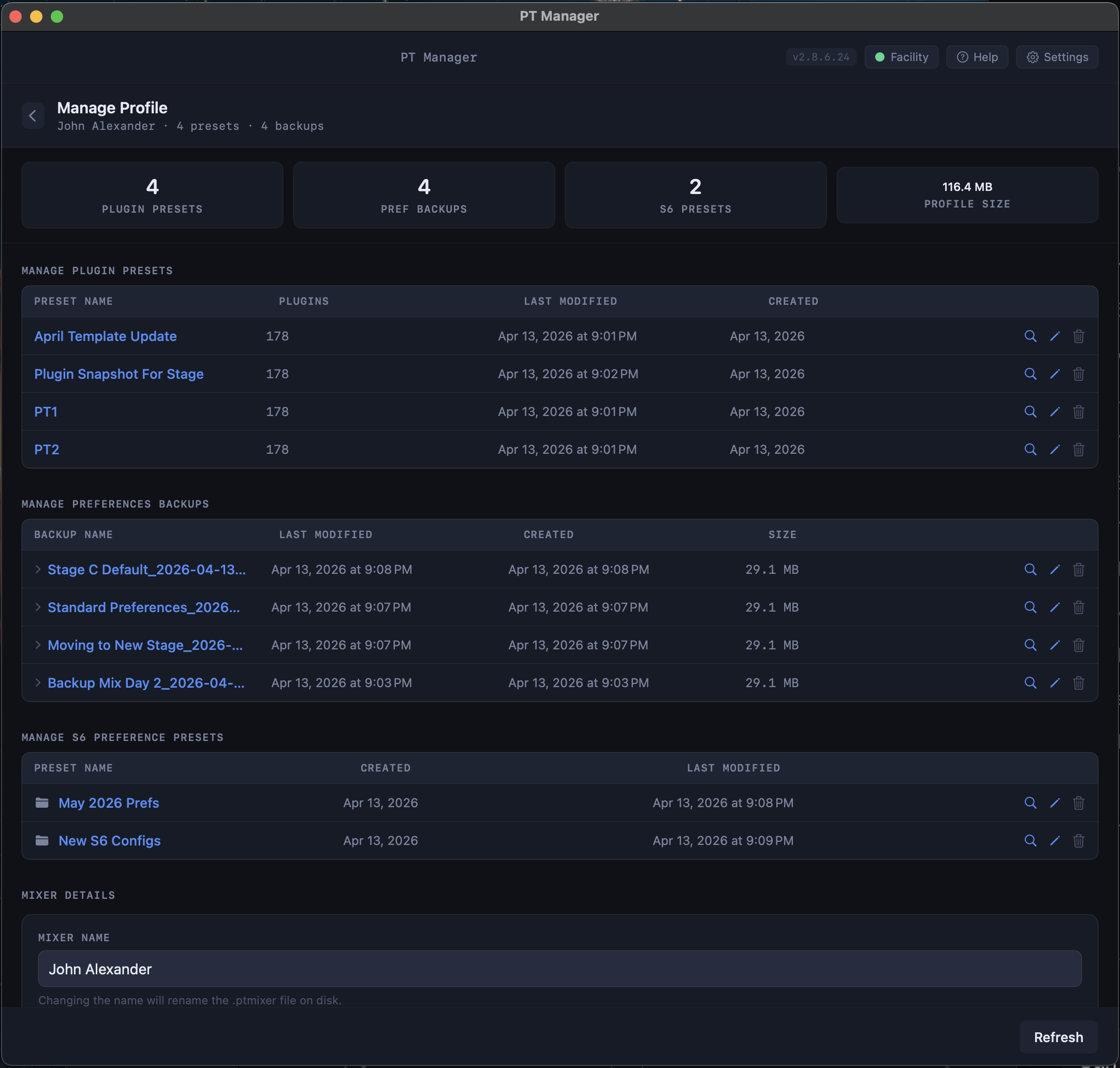
Manage Your Profiles
Every Mixer Profile stores your plugin presets, Pro Tools preference backups, and S6 configurations in one place. Track version history, rename, update descriptions. Your entire studio setup, organized.
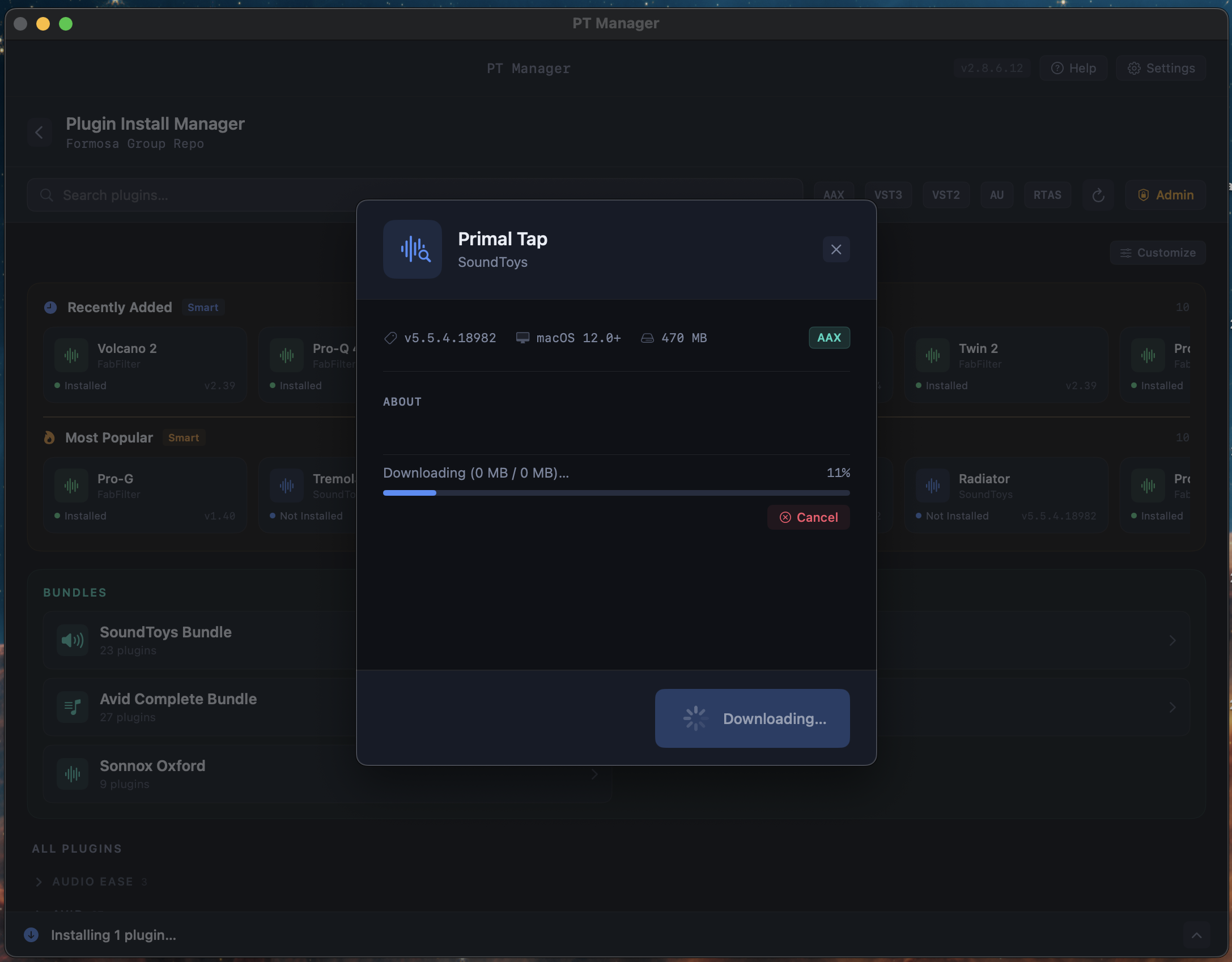
Plugin Install Manager
Browse and install plugins directly from your studio's local repository, like an App Store for your plugin library. See recently added, most popular, and full manufacturer catalogs. One click to download and install.
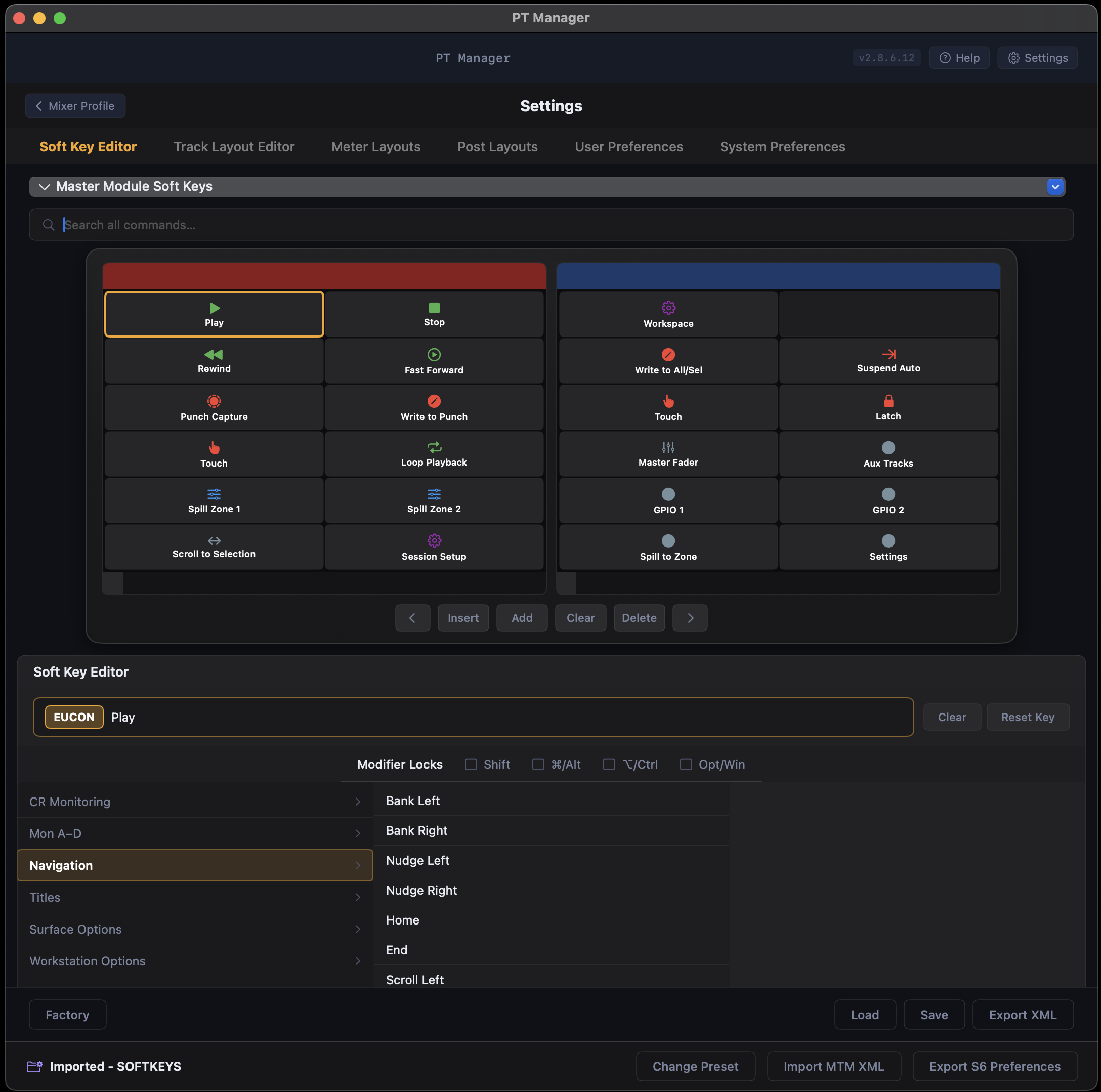
S6 Soft Key Editor Beta
Edit your Avid S6 Master Module soft keys visually. Drag commands into the grid. Export straight to the MTM.
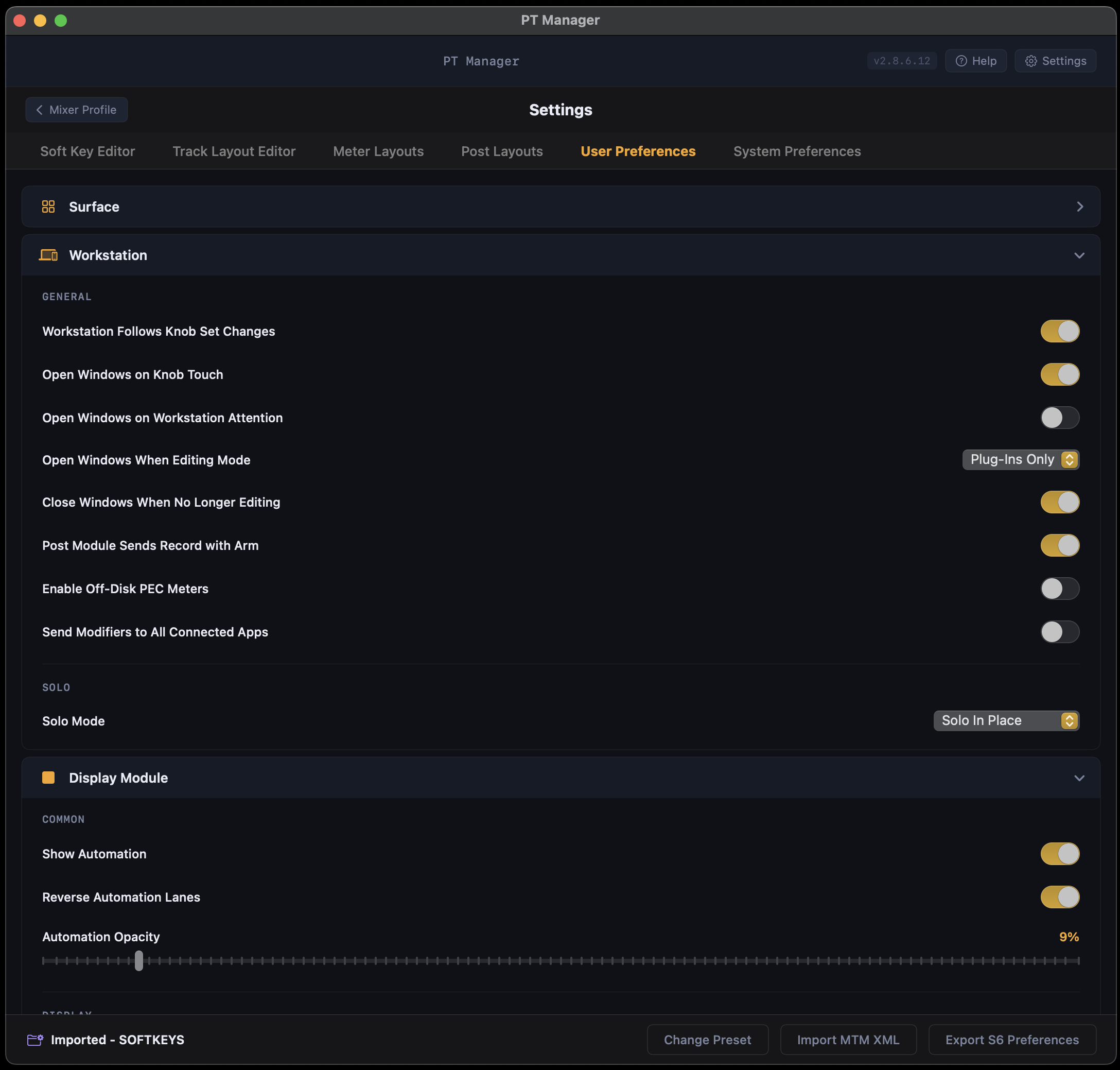
S6 User Preferences Beta
Backup and restore S6 User Preferences and Display Module settings. Swap engineer setups in seconds.
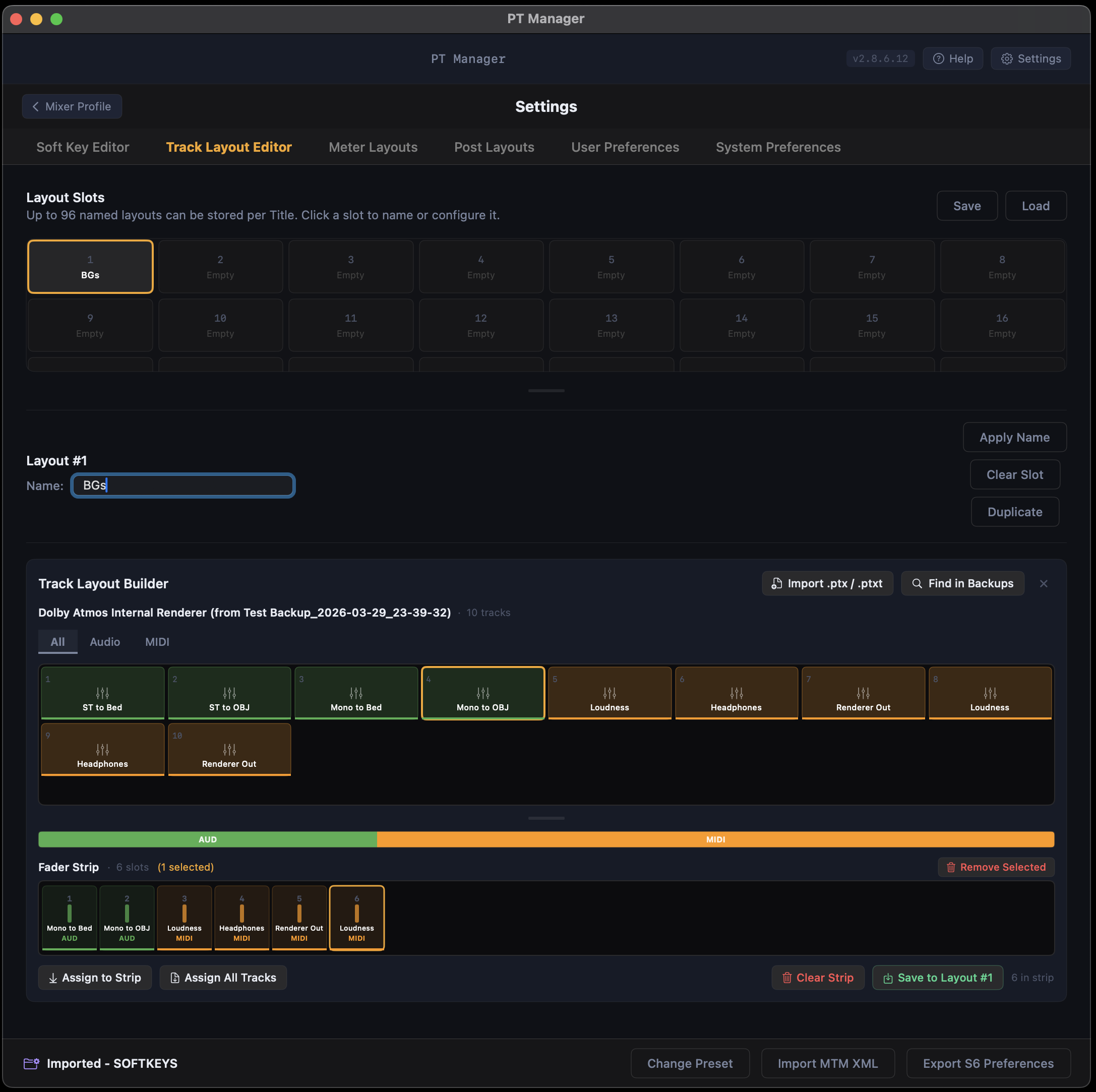
S6 Track Layout Editor Beta
Assign fader strips to layout slots visually. See the whole surface at a glance. Save layouts into any Mixer Profile.